> For the complete documentation index, see [llms.txt](https://docs.genrpa.com/llms.txt). Markdown versions of documentation pages are available by appending `.md` to page URLs; this page is available as [Markdown](https://docs.genrpa.com/gen-control-room/process-management/processes.md).
# Processes
Processes bölümü stüdyo üzerinde geliştirilen süreçlerin departman ve schedule bazlı gösterildiği alandır.
### Process
Bu alan stattülerine göre süreç sayısını gösterir:
* **Pending Count:** Çalışmak için işlem sırasında bekleyen process sayısını gösterir.
* **Running Count:** Şu anda çalışan proces sayısını gösterir.
* **Complated Count:** Tamamlanan proces sayısını gösterir.
* **Error Count:**Hata alınan process sayısını gösterir.
* **Terminated Count:**Planlama sağlanmış ancak iptal edilmiş process sayısını gösterir.
### Process Departments
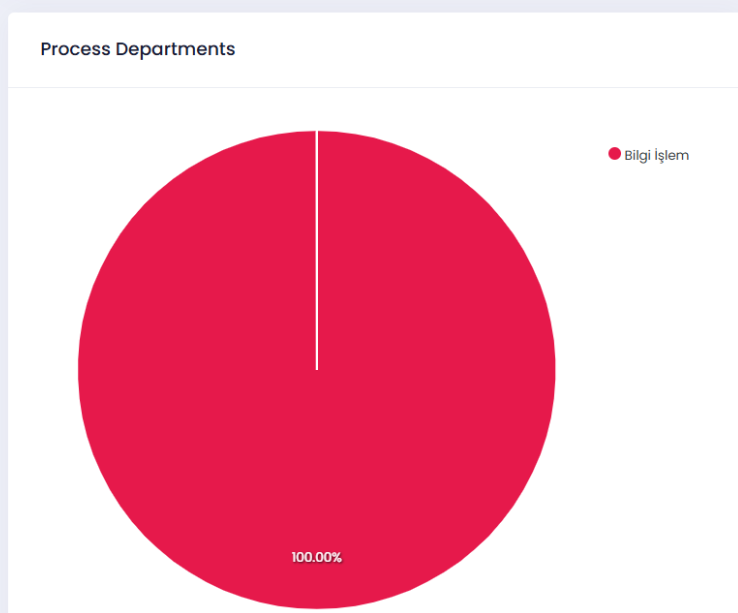
Süreçler stüdyo ortamında oluşturulurken seçilmiş olan departman bazında process dağılım grafiğini gösterir.
#### Departments Status Info
Departmanlara ait durum bilgisini gösterir.
* **Name:** Departman adını gösterir.
* **Process:** İlgili departmana ait process sayısını gösterir.
* **Scheduled Process:** İlgili departmana ait planlanmış süreç sayısını gösterir.
* **Scheduled Percentage:** İlgili departmana ait planlanmış süreç yüzdelik dağılımını gösterir.
#### Process Departments
Süreçlerin departman bazında dağılımını tarih ve departman filtreleri ile gösterir:
* **Departments:** Filtreleme sonucu hangi departman görüntülenecek ise onun seçilmesi sağlanır.
* **Date Filter:** Belirli bir tarih aralığındaki süreç dağılımı isteniyor ise ilgili tarihlerin seçilmesi sağlanır.
* **Department:** İlgili departman adını gösterir.
* **Processes:** İlgili departmana ait proces sayısını belirtir. Süreç yok ise No Process Found uyarısı yazılır.